







+18 - Check if the casino you want to register with is eligible in your country.
Learn how to enable Stake 2FA for stronger security, safe logins and fast recovery. Discover setup steps, authenticator apps and recovery solutions for lost access.
Two-factor authentication adds an extra layer of security to your Stake account, offering additional protection against unauthorized access. It safeguards logins, payments and sensitive actions on the platform.
Enabling 2FA adds additional security by keeping your account safe from unauthorized use. It ensures protection for login sessions, deposit approvals and withdrawals, reducing risks to your funds and personal data.
During the authentication process, players must enter a temporary code after their password. This extra step verifies identity at each login, ensuring only the rightful owner gains access and passes verification.
| Enabling 2FA | Not Using 2FA |
| Strong protection for your funds | Higher risk of account access loss |
| Extra security for logins | Password leaks may compromise account |
| Safe deposits and withdrawals | No safeguard for stolen credentials |
| Confidence in Stake account use | Increased risk of gambling fraud |
To set up and enable 2FA on your Stake account, follow a simple security process that links your device with an authenticator app to protect your profile and transactions.
Start by downloading an authenticator app such as Google Authenticator or Authy on your mobile device. Once you install the app, it will create one-time codes needed for secure login.
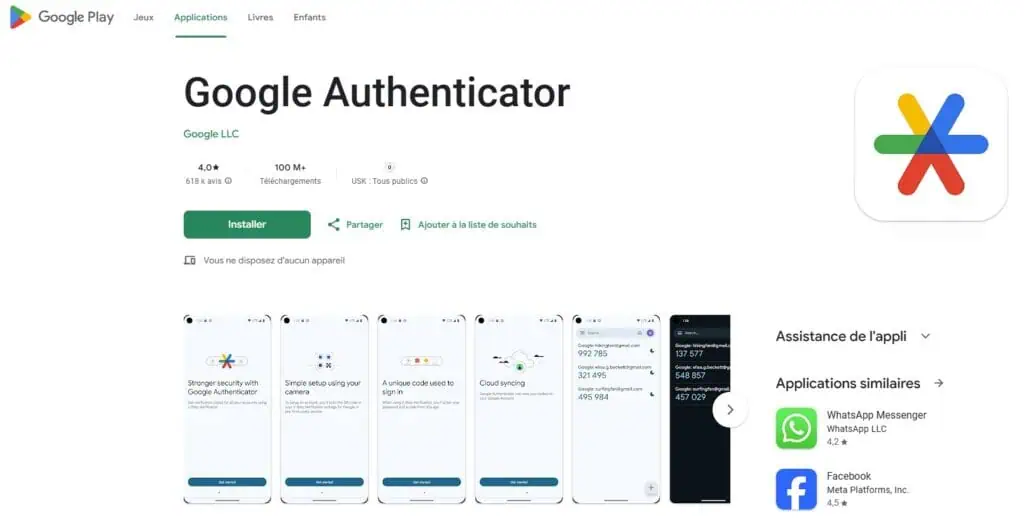
Open your account settings under the security tab, then scan the QR code or copy the string into your app. This process securely creates the link between Stake and your device.
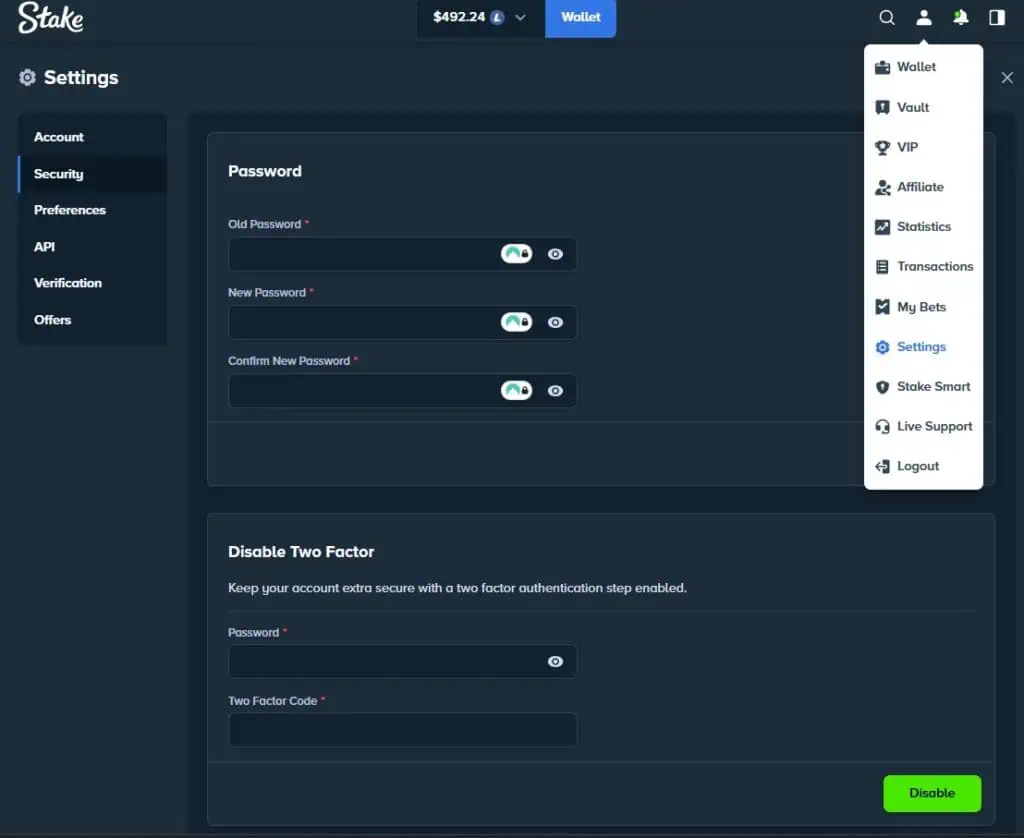
Enter the generated code from your app into the Stake security page. You’ll also receive an email with a confirmation link to finish the setup. Once active, 2FA helps protect your withdrawals, deposits and account use in compliance with Stake’s operating licence and transparent fee structure.
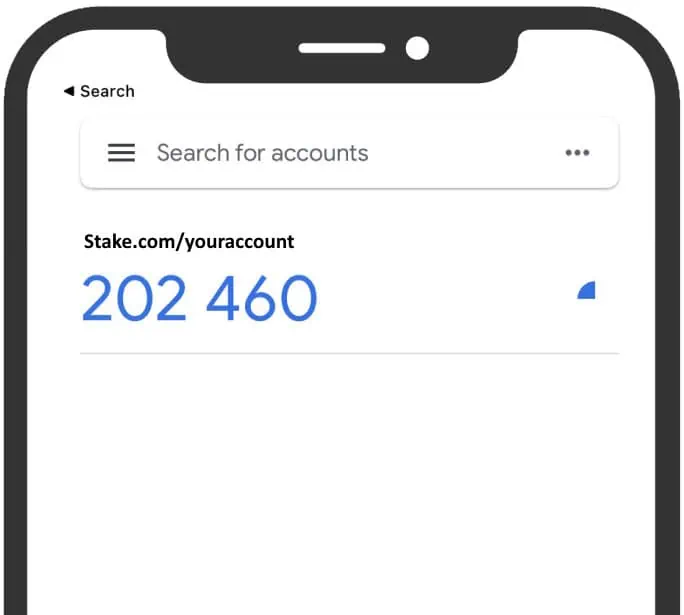
If you’ve lost your 2 factor authentication, the Stake team provides a clear recovery process to restore access to your account. You’ll need to contact support directly for assistance.
To start the recovery process, email recovery@stake.com from the email address linked to your account. The support team will review your request and assist you with regaining access.
You will need to provide key details about your account for verification. The team may ask for activity history, transaction references or identification documents to initiate the process. This step is required to confirm ownership.
Once your request is submitted, Stake aims to restore access within 48 hours. The process includes reviewing your information, updating your profile and granting secure time-sensitive login access again.
| Lost 2FA Scenario | Action Required |
| Lost device | Email recovery@stake.com for manual reset |
| Lost 2FA code | Request recovery with linked account info |
| Lost email access | Provide ID and transaction proof for verification |
Choosing the right authenticator app is essential to securing your Stake login. Both Google Authenticator and Authy work on any mobile device and provide strong 2FA app protection.
Google Authenticator is the most common option for Stake users. Install it on your mobile device and scan the QR code in your account settings. Once active, it generates codes every 30 seconds for secure login.
If you prefer an alternative, Authy is another safe app that adds backup and multi-device support. These extra features make it easier to manage 2FA across platforms. You can also secure balances with Stake Vault.
To verify identity on Stake, the authentication process requires entering a temporary code during login. This ensures only the account owner can gain secure access.
When logging in, simply enter the six-digit code generated by your authenticator app. This step finalizes the authentication process, confirming your identity before allowing full login access.
If you lose access, Stake will ask you to verify your identity by providing account details. The recovery team reviews this information to confirm ownership before restoring your account.
Stake provides several security features to help keep your account safe. By following best practices, you can ensure smooth access and let the support team assist with any customer concerns.
Always protect your mobile device or phone used for 2FA. Keep it safe, install updates regularly and avoid rooting or jailbreaking. An updated device ensures your authentication app functions reliably.
Never share your QR string or authentication code with anyone. Treat this data as strictly private and avoid posting it in public spaces. These details are required for secure access and should stay confidential. For further guidance, visit Stake Support.

Secod has streamed and tested games on Stake extensively, giving him direct insight into the platform’s bonuses, features and gameplay conditions. His experience ensures every Stake review reflects real usage rather than surface level analysis.

© 2018-2026 bonustiime.com








Casiibro is currently offline.
Learn more about them on their channel!
▶ Visit Casiibro's channelOr head to the Stream Hub.